
Customer Service Quick Links
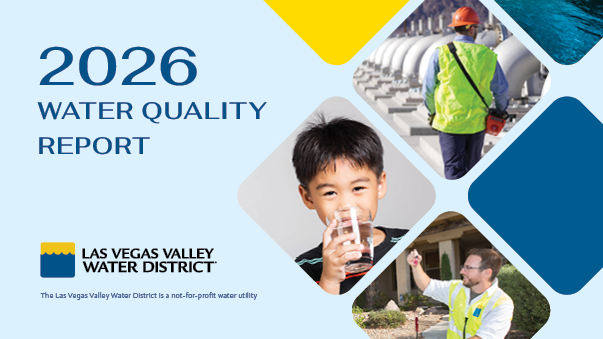
Your water is healthy, hydrating, and high quality
We monitor your water in "real time" 365 days a year, 24/7 around the clock. In 2025, we conducted more than 328,000 analyses on more than 67,000 water samples from Lake Mead, our storage reservoirs, and 380 community-wide sampling stations—including stations in customers' meter boxes. We go above and beyond Safe Drinking Water Act requirements to ensure water quality right up to your meter.

Time-of-day watering restrictions are in effect
Through Aug. 31, mandatory restrictions prohibit watering between 11 a.m. and 7 p.m., and never on Sundays. Instead, water overnight or around dawn to minimize the amount of water lost to evaporation.

Meter replacement program in progress
LVVWD is upgrading older mechanical meters with advanced ultrasonic technology. The multi-year program improves accuracy, enhances leak detection, and helps support long-term water conservation.

Now you can get an even bigger rebate
LVVWD residential customers can now get an extra $2 per square foot when they convert to a Water Smart Landscape. Combined with SNWA's $5 incentive, that's $7 per square foot! (Terms apply.)

How can we help you today?

Save water, save money
Get paid to replace your grass with desert plants and trees, and upgrade your home with smart technologies that will help keep you water smart.

Get help with leaks
Learn how to track down leaks in your home and find out if you qualify for financial assistance through our leak adjustment and reimbursement programs.

Your water is safe
Las Vegas’s drinking water meets or surpasses all safety standards. In fact, our water is tested more thoroughly than most bottled water.

Replace useless grass now
Commercial, multi-family, and other properties are required to remove purely decorative grass by the end of 2026. Don't wait until the last minute to act! Get started now!

It pays to be water smart
Receive substantial cash incentives and reduce your monthly expenses by upgrading to water-efficient technologies and participating in conservation programs for businesses.
WET Program BONUS: LVVWD will add $0.75 for every $1 from SNWA, covering up to 80 percent of the project or product cost.

Permits, inspections, and more
Attention developers, engineering firms and contractors: Get help to plan, design and construct water systems for new developments, building renovations, and public works and utility projects.

Water theft is illegal
Contractors and developers are responsible for ensuring their employees, agents and subcontractors use approved metering and backflow devices to access water for construction activities.


Las Vegas is a global leader in water conservation
The Las Vegas Valley gets about 90 percent of its water from the Colorado River, which is facing the worst drought in the river basin's recorded history.
Thanks to the adoption of innovative programs and water conservation measures, Las Vegas has reduced the community’s Colorado River consumption and significantly reduced the impact of new development on our water supply.
With no end to the drought in sight, however, achieving further reductions in water use has taken on a new sense of urgency.
Learn More About Drought and Conservation Measures
One of the nation's most reliable water systems
For more than a half century, the Water District and its customers have been investing in one of the nation's most reliable water delivery systems. That investment has paid off. Instances of water main breaks in Southern Nevada are below the national average and our water system has an efficiency rating that is considered world-class.
Explore How Water Gets To Your Tap